Iron Fort User Documentation
Home Page
Welcome to Iron Fort
Iron Fort automates HIPAA compliance. Instead of spending weeks manually documenting your compliance program, you spend an hour uploading your policies and connecting your systems. The platform does the rest.
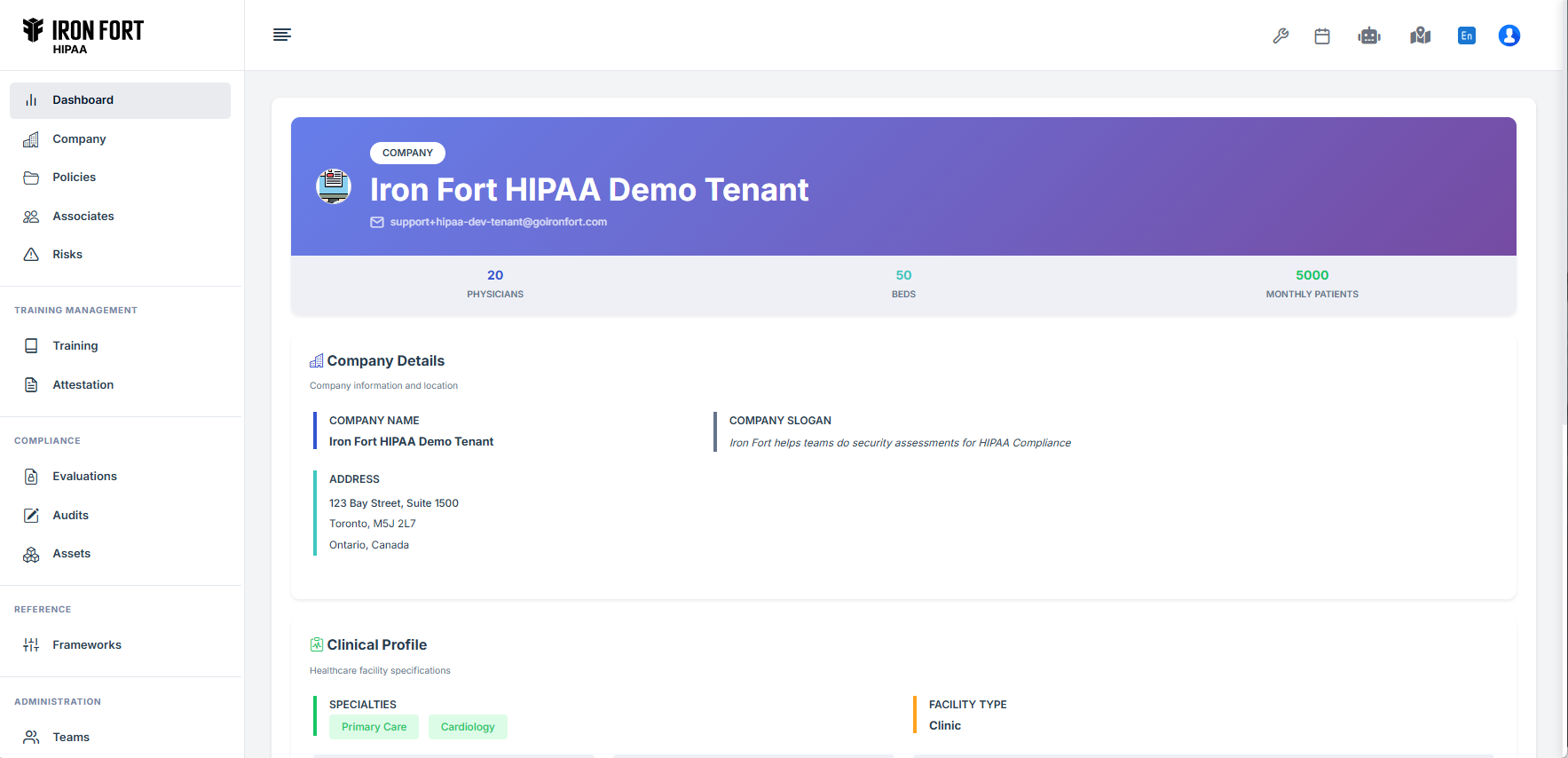
Your Compliance Dashboard
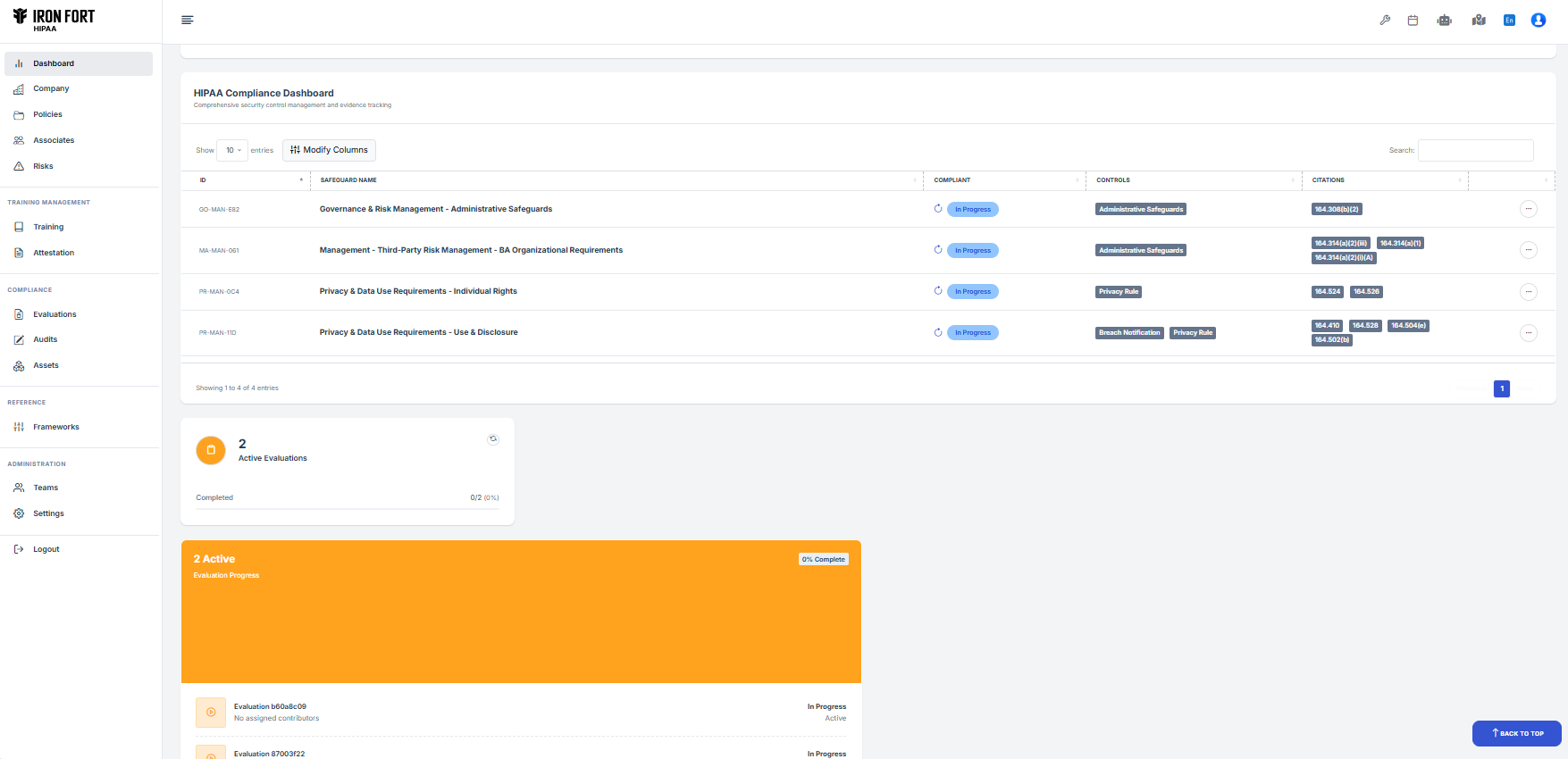
The dashboard is your home base. Everything you need to know about your HIPAA compliance status is here.
Four Main Sections:
Compliance Status
Shows your overall completion percentage. This number goes up as you upload policies, connect systems, and address compliance gaps.
Risk Summary
Displays how many compliance gaps you have, organized by severity (Critical, High, Medium, Low). Red items need immediate attention.
Active Evaluations
Lists your HIPAA compliance assessments. Most organizations run one comprehensive evaluation per year.
Recent Activity
Shows what's been happening—policies uploaded, scans completed, risks addressed, evidence added.
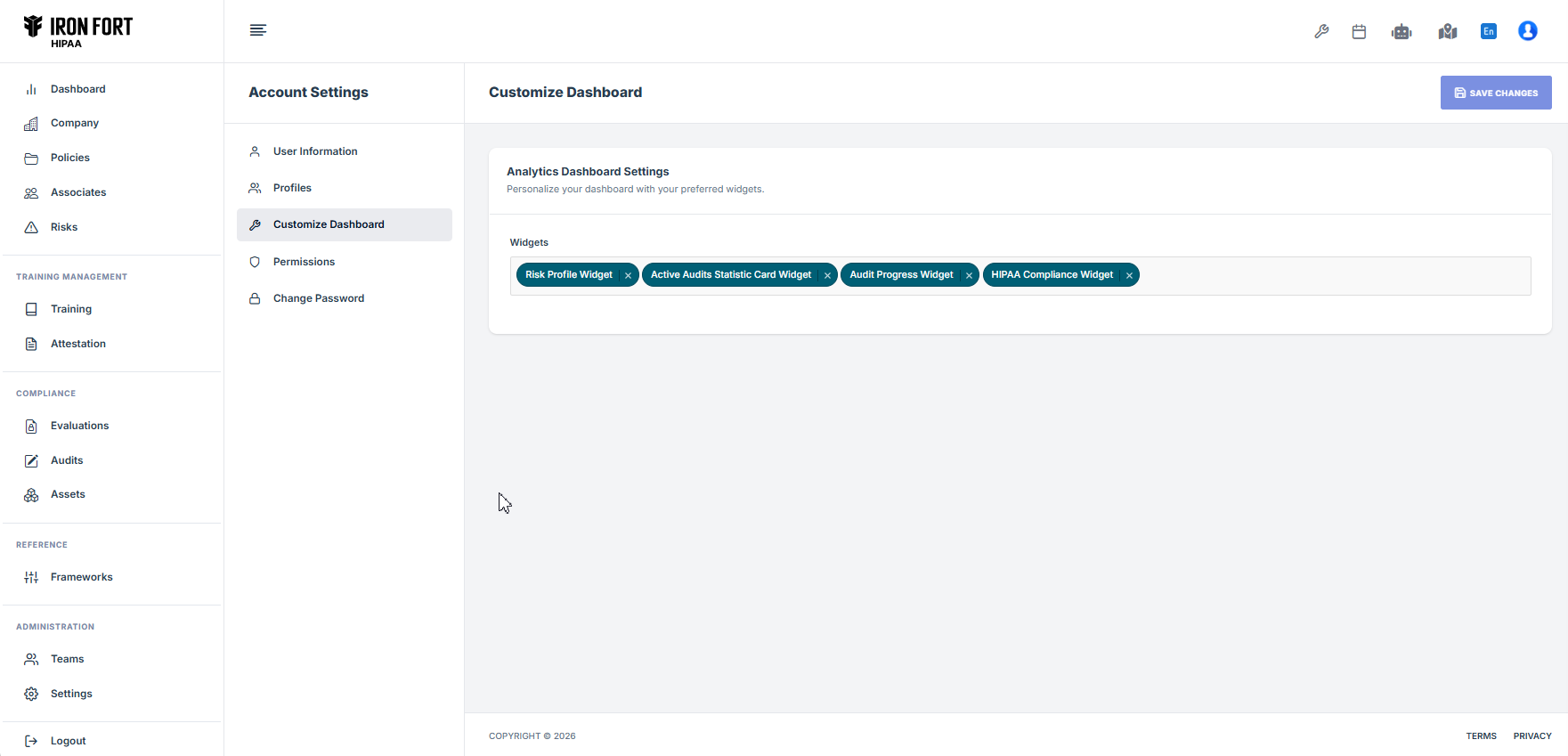
Customizing Your View
You can arrange the dashboard to show what matters most to you: - Reorder information cards - Filter by compliance category - Set priority alerts - Access detailed reports
Getting Started Checklist
To get the most from Iron Fort:
1. Enter Your Organization Details
Size, workforce count, type of healthcare operations
-
Connect Cloud Environments
Link systems that handle patient data for automatic scanning -
Upload Your Policies
Add existing HIPAA policies for AI analysis -
Create an Evaluation
Launch your first complete compliance assessment -
Review Results
See your gaps and start addressing them