Iron Fort Documentation
Risk Management
Why Risk Management Matters
Risk Management is one of the most important-and most violated-HIPAA requirements. According to Office for Civil Rights (OCR) enforcement data: -Risk Analysi: 98/100 frequency score, 287 investigation, $142M+ in fines -Risk Management: 95/100 frequency score, 265 investigations, $128M in fines
Iron Fort's Risk Management tools help you avoid becoming part of these statistics.

What HIPAA Requires
Risk Analysis (Required):
Assess potential risks and vulnerabilities to patient data confidentiality, integrity, anad availability.
Risk Management (Required):
Implement security measures to reduce identified risks to a reasonable and appropriate level.

Step 1: Automated Risk Identification
When you upload policies and connect cloud environments, the system automatically: - Compares your current state to all HIPAA requirements - Identifies gaps in coverage - Assigns risk levels based on enforcement data - Organizes risks by the 9 family categories
Step 2: Risk Scoring
Each risk gets classified: - Critical: Immediate attention required - High: Address within 30 days - Medium: Schedule for completion - Low: Handle as resources allow
Scoring is based on: - OCR enforcement frequency - Historical penalty amounts - Number of investigations - Severity of potential impact
Step 3: Evidence Mapping Risks connect to your evidence: - Policies that address (or should address) the risk - Technical controls that mitigate the risk - Current implementation status - Missing safeguards
Viewing Your Risks
Navigate to the Risk tab in any evaluation to see:
Risk Dashboard: - Total risk count - Distribution by severity - Compliance percentage - Trending over time
Risk List: - All identified risks - Organized by family category - Sorted by priority - Status indicators
Individual Risk Details:
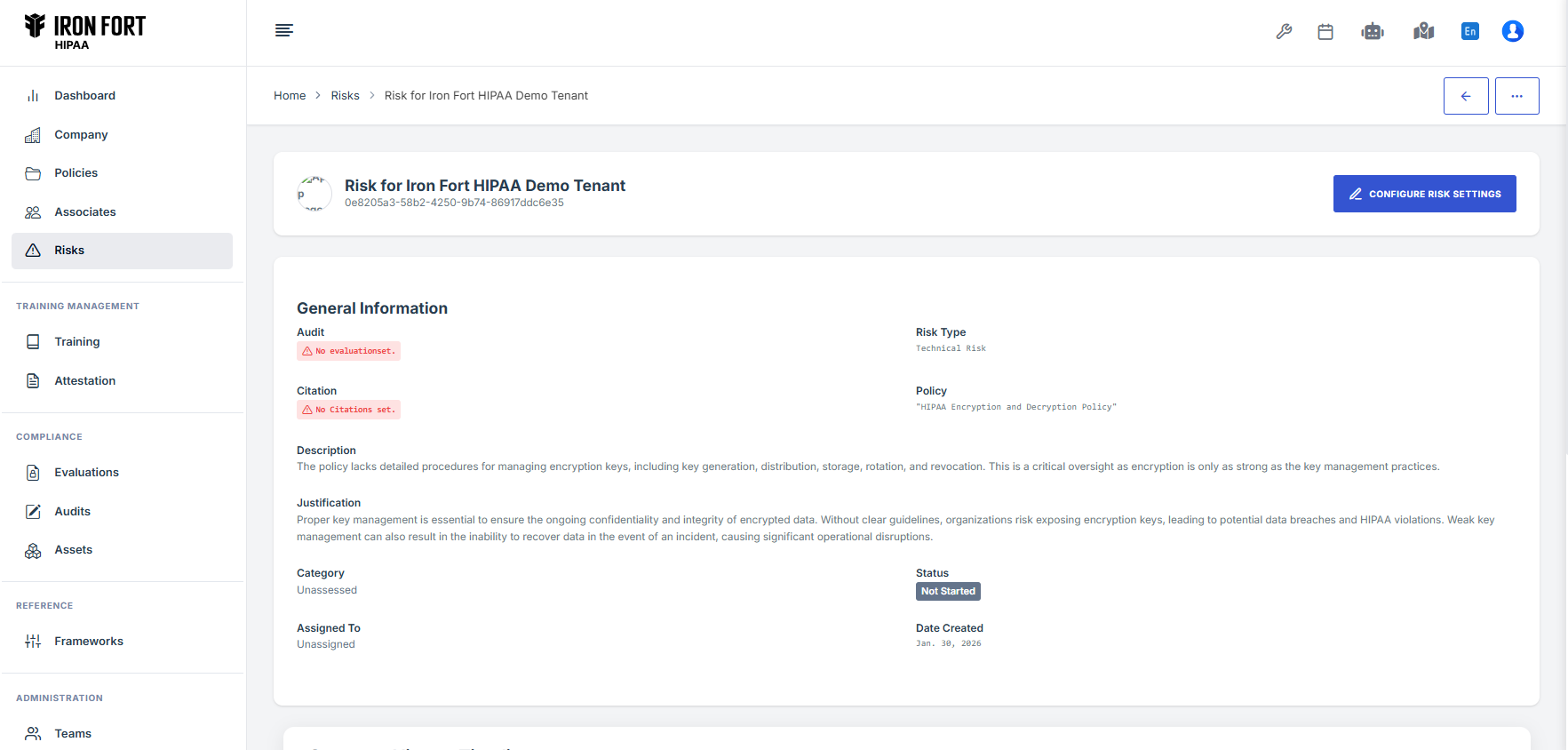
Click any risk to see: - HIPAA citation and requirement - Plain English explanation - Enforcement statistics (investigations, fines) - Required actions with checkboxes - How to address the gap - Where to add evidence
Managing Evidence
Iron Fort automates most evidence collection:
Automatic Evidence: - Policies automatically link to citations they cover - Cloud scans automatically populate technical evidence - System updates compliance status in real-time
Manual Evidence: Click "Add Additional Evidence" when you have: - Meeting minutes - Training records - Third-party reports - Screenshots - Process documentation
Risk Register
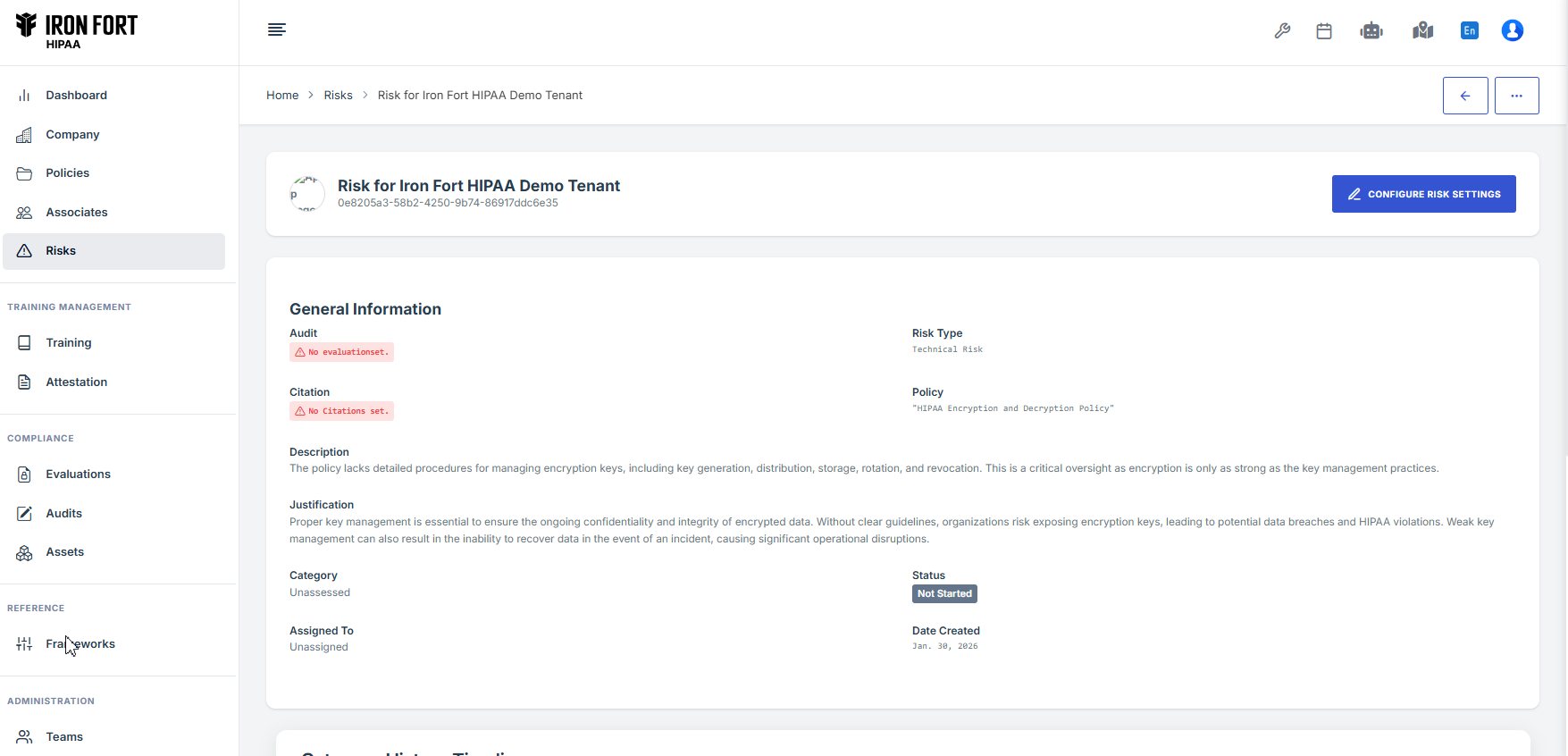
The platform maintains a comprehensive risk register with: - All identified risks - Risk owners - Mitigation plans - Target completion dates - Residual risk levels - Review status
Ongoing Risk Management
Continuous Monitoring: - Daily technical environment scans - Weekly policy compliance checks - Monthly vendor risk reviews - Quarterly comprehensive updates - Annual full risk analysis
Trigger-Based Updates: Automatic rescanning when: - New systems are deployed - Policies are updated - Cloud configurations change - Security incidents occur
Risk Reporting
Access reports showing: - Executive summary of top risks - Trends over time - Remediation progress - Compliance score changes - Board-ready presentations
Critical Risk Areas
Pay special attention to these high-frequency violation areas: Critical Risk (90+ frequency): - Risk Analysis (98 frequency) - Risk Management (95 frequency) - Business Associate Contracts (94 frequency) - Information System Activity Review (92 frequency)
High Risk (70-89 frequency): - Security Awareness Training (86 frequency) - Workstation Security (84 frequency) - Access Authorization (84 frequency)