Iron Fort User Documentation
Key Features
Automated Evidence Collection
Iron Fort eliminates manual evidence gathering by automatically connecting your documentation to HIPAA requirements.
How It Works: - Upload a policy → AI reads it and identifies which HIPAA requirements it covers - Connect your cloud → System scans for technical controls and security settings - Evidence automatically links to the right requirements - Your compliance percentage updates in real-time
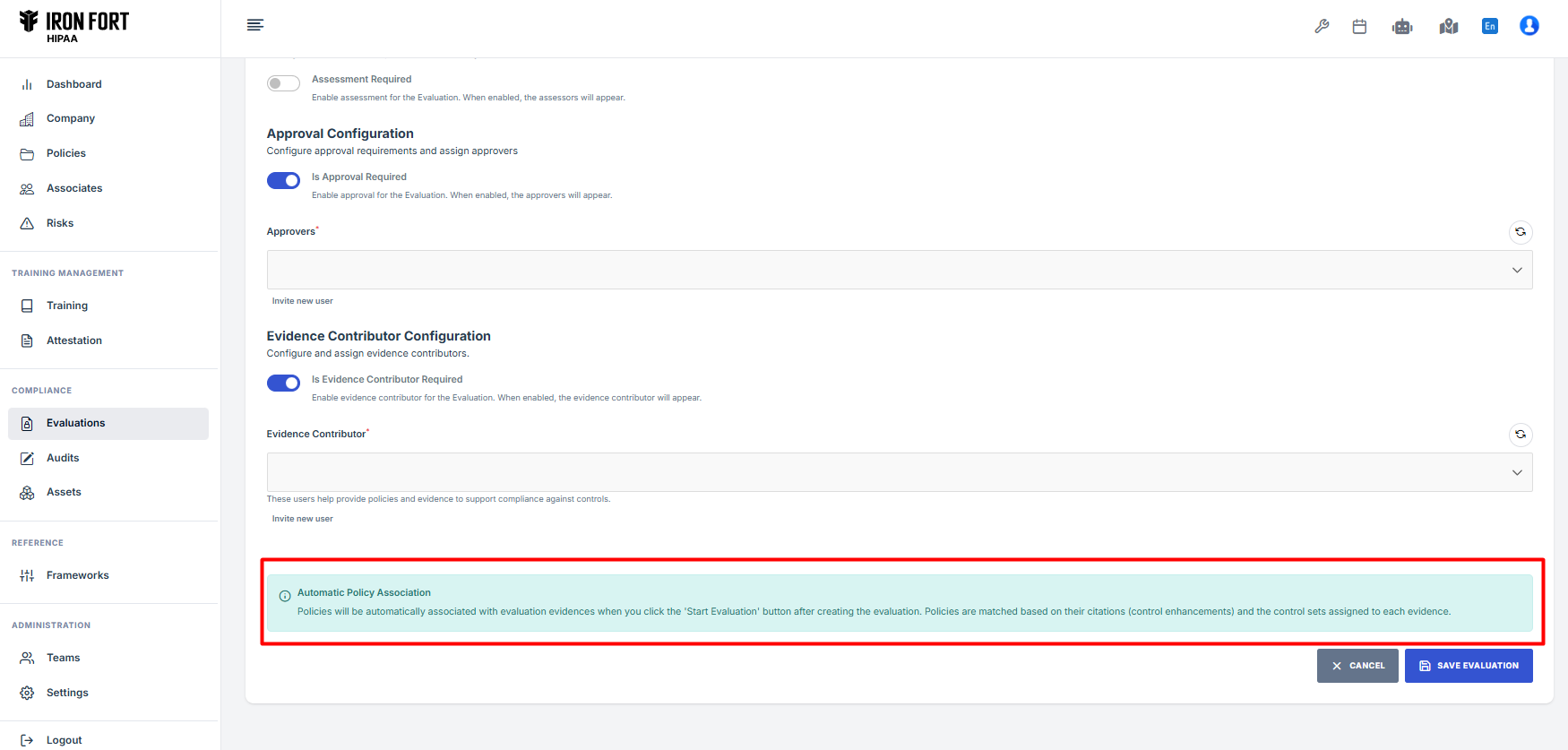
Cloud Integration
Connect your cloud infrastructure for automatic technical compliance scanning.
Supported Platforms: - Amazon Web Services (AWS) - Microsoft Azure - Google Cloud Platform (GCP) - Other major cloud providers
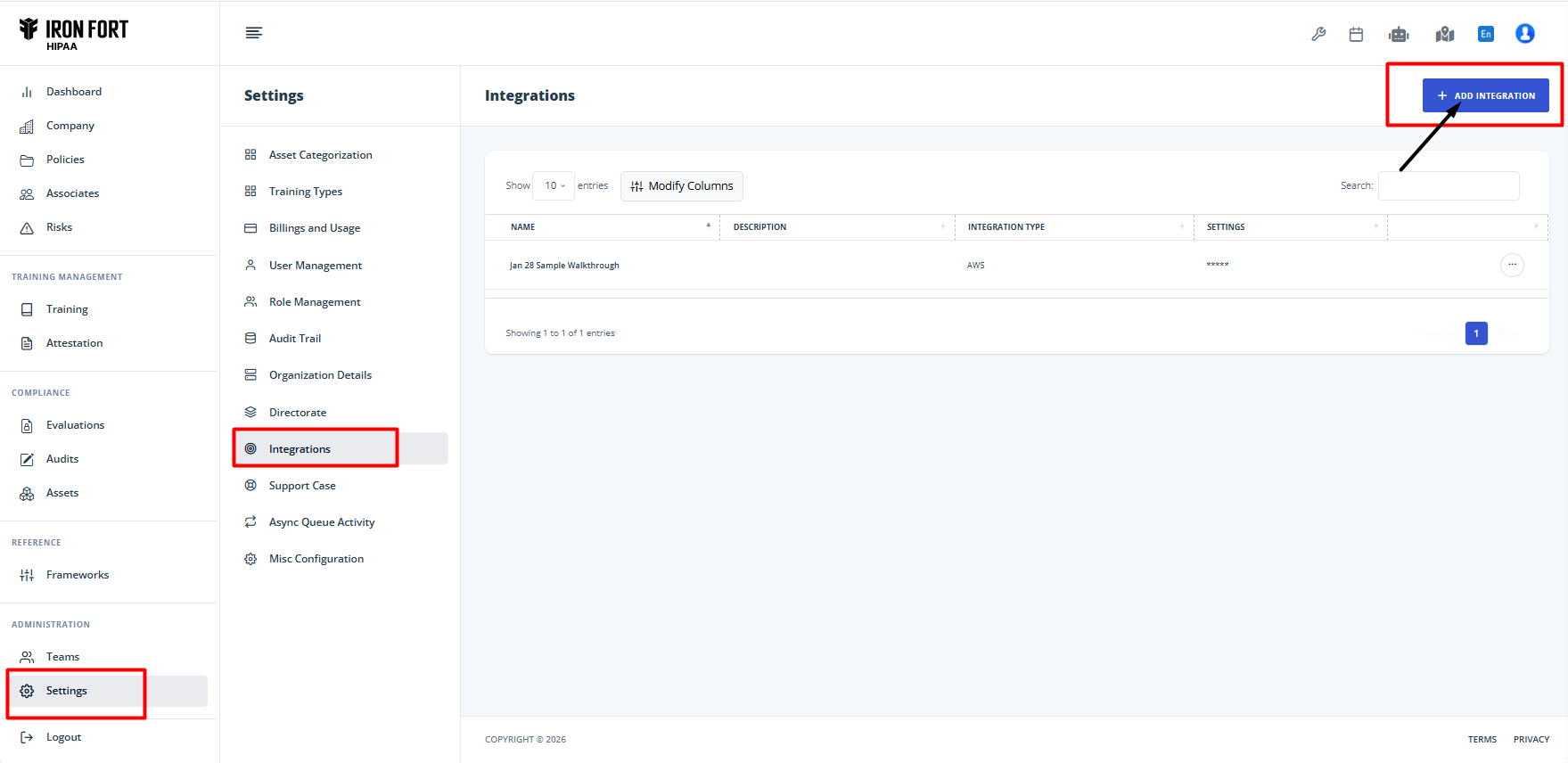
Setup Process: 1. Go to Settings → Integrations (or from Evaluations page) 2. Click Add Integration 3. Select your cloud provider 4. Enter access credentials 5. Click Validate and Save
⚠️ Important: Only connect environments that handle Protected Health Information (PHI). Not all cloud systems need to be connected—just the ones with patient data.
What Gets Scanned: - Encryption status (data at rest and in transit) - Access control configurations - Network security settings - Logging and monitoring setup - Backup and recovery systems
Results appear within minutes and update continuously.
Policy Management
Your complete policy lifecycle in one place.
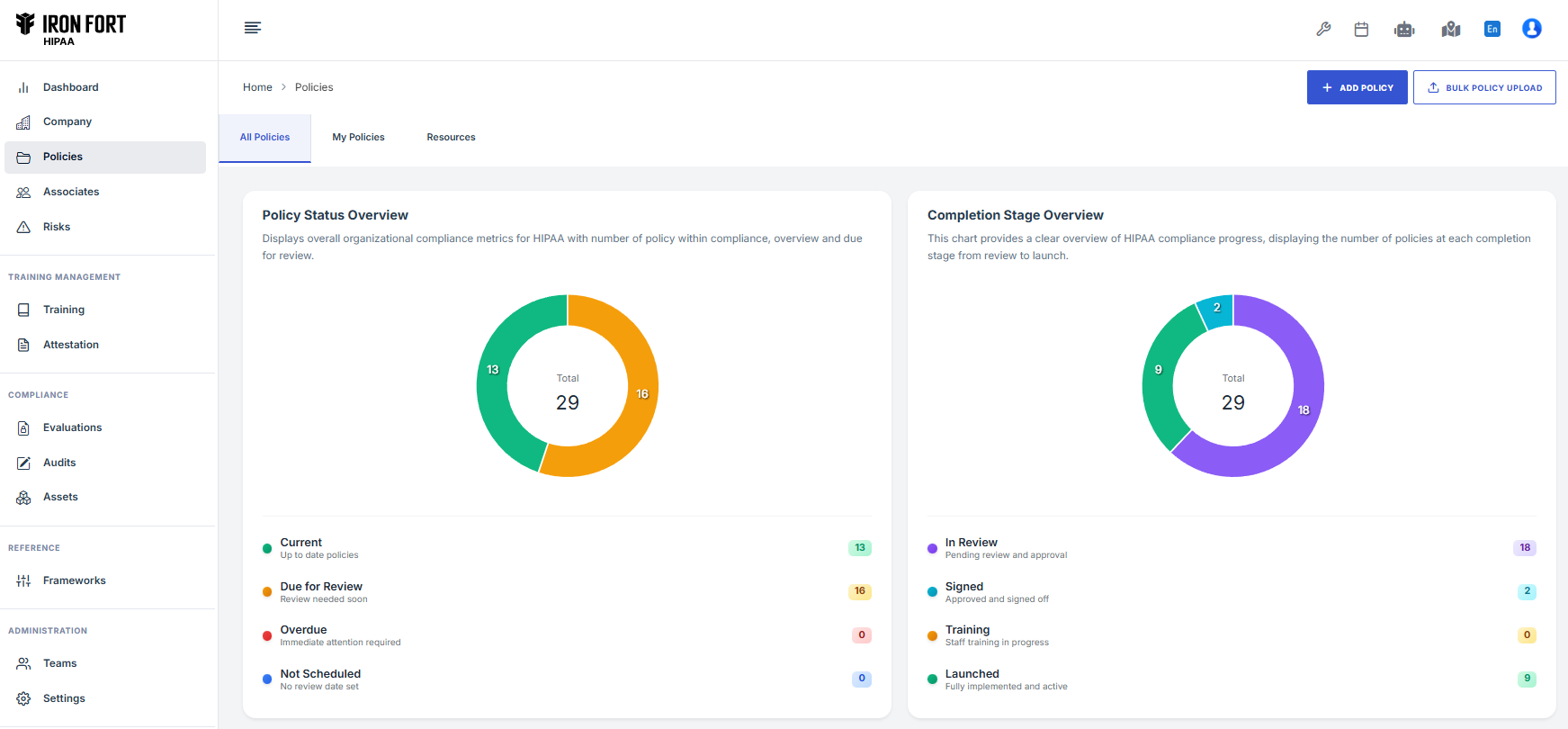
Uploading Policies: 1. Navigate to Policies section 2. Click Add Policy or Upload Policy 3. Select policy type from dropdown 4. Upload your file (PDF or Word) 5. Wait 30-60 seconds for AI analysis 6. Review results
Supported Policy Types: - Security Incidents & Breach Notification - Risk Management - Access Control - Workforce Security - Device & Media Controls - Business Associate Agreements - Privacy & Data Use - Training & Awareness - And more...
What Happens During Upload:
The AI automatically: - Extracts effective dates and review schedules - Identifies responsible parties - Maps content to HIPAA requirements - Finds coverage gaps - Generates improvement recommendations - Links to relevant compliance categories
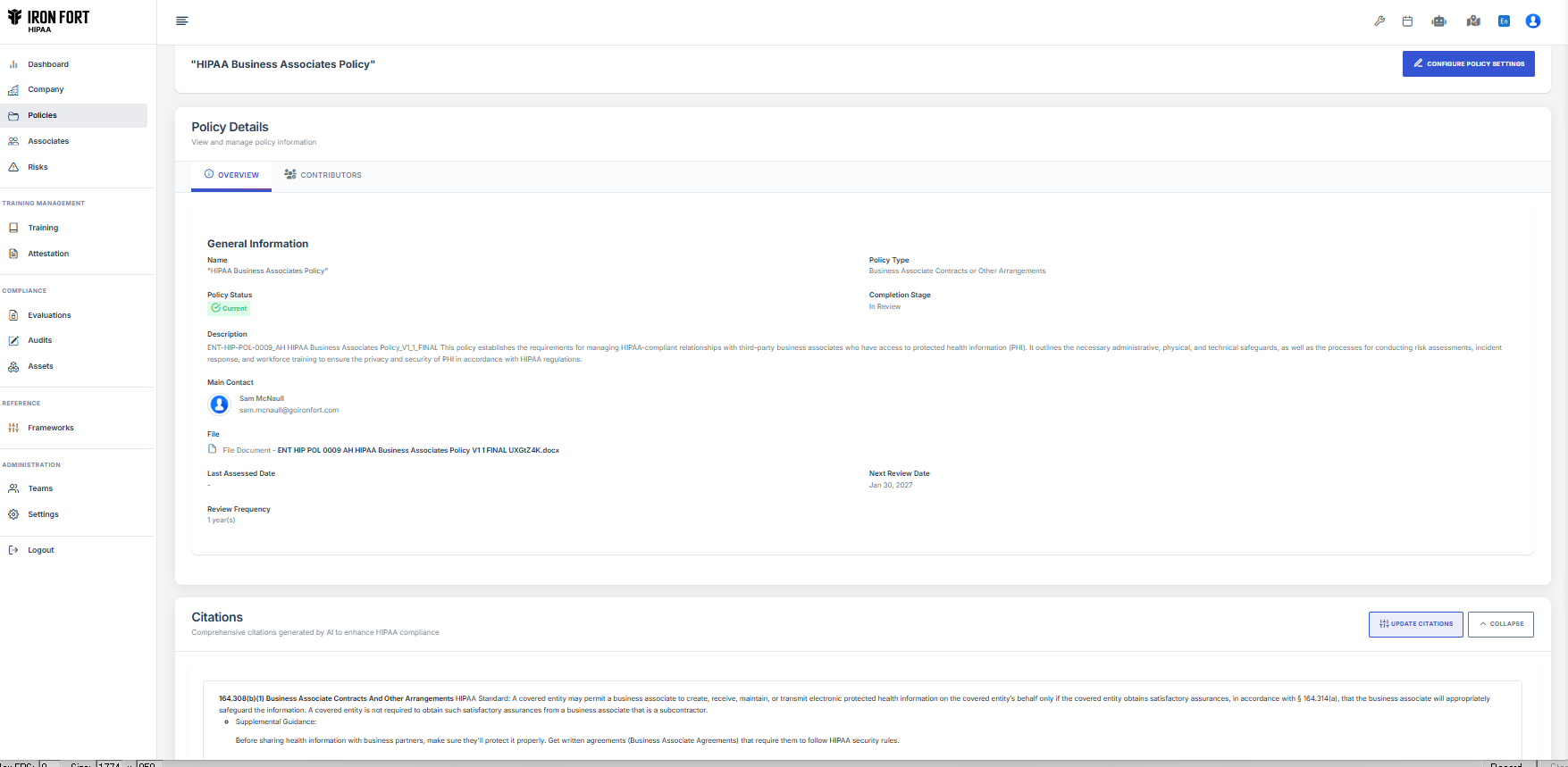
Policy Details View:
Each policy has three tabs:
General Information: Key dates, responsible parties, status
Citations: All HIPAA requirements covered by this policy
Archives: Previous versions for audit trail
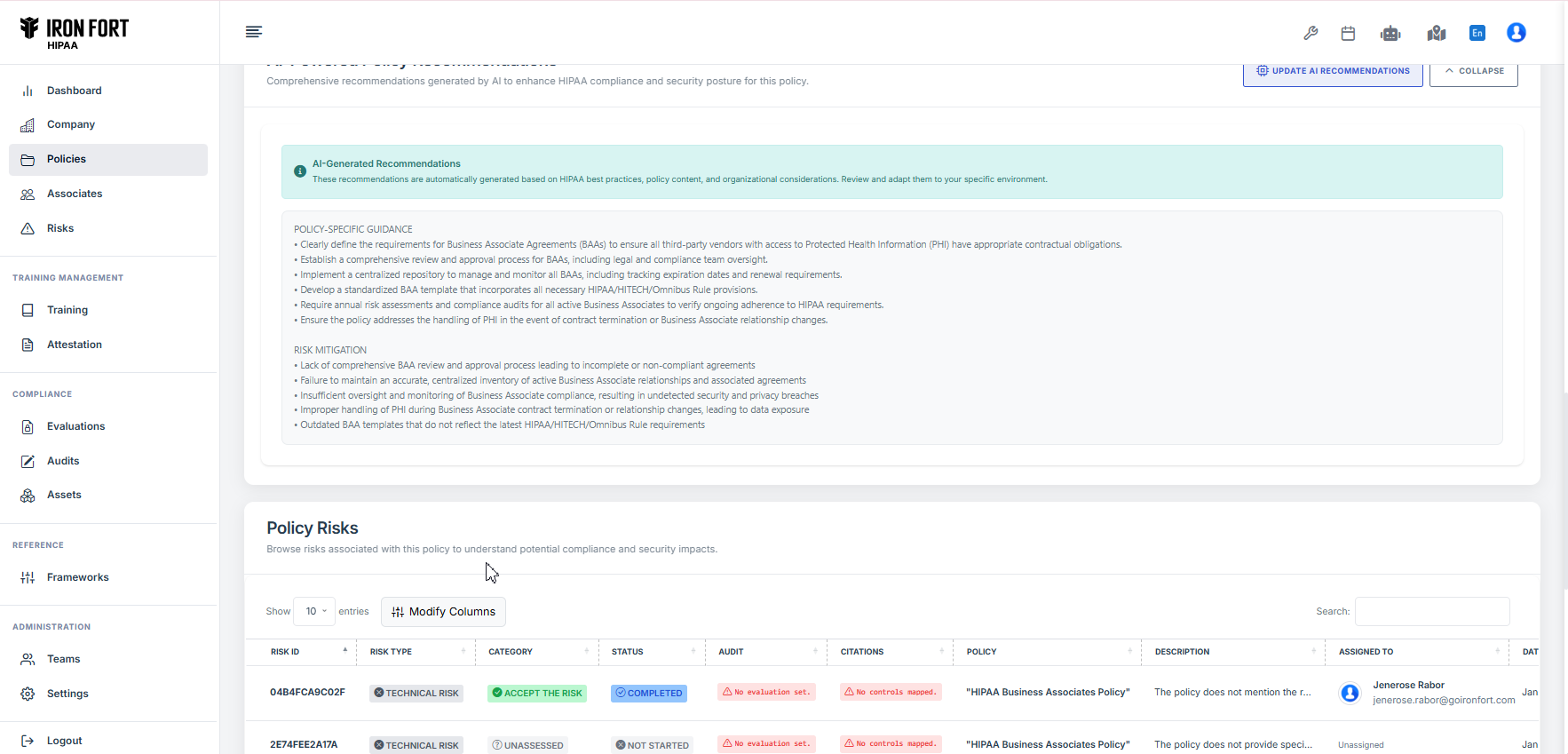
Business Associate Management
Track all vendors who handle patient data on your behalf.
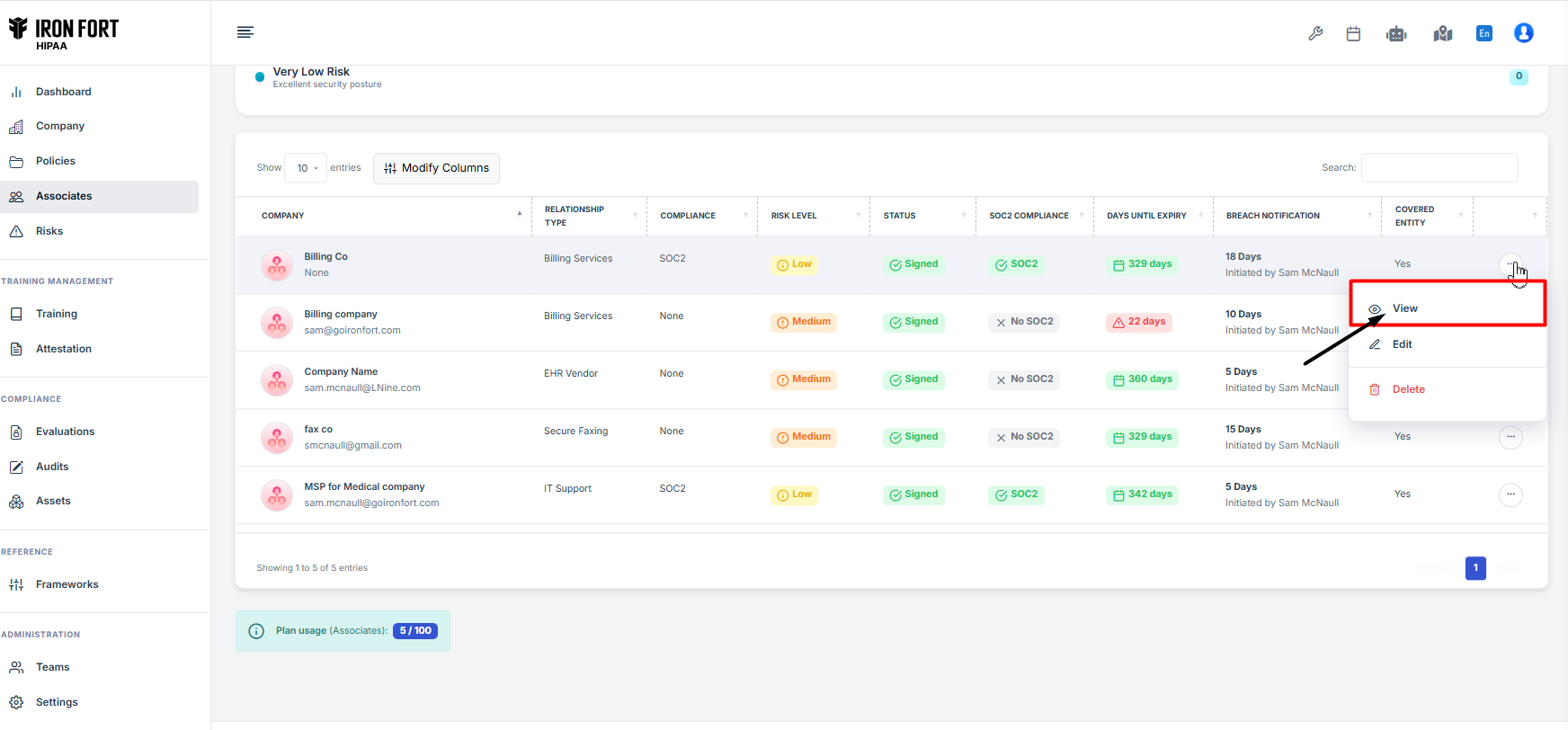
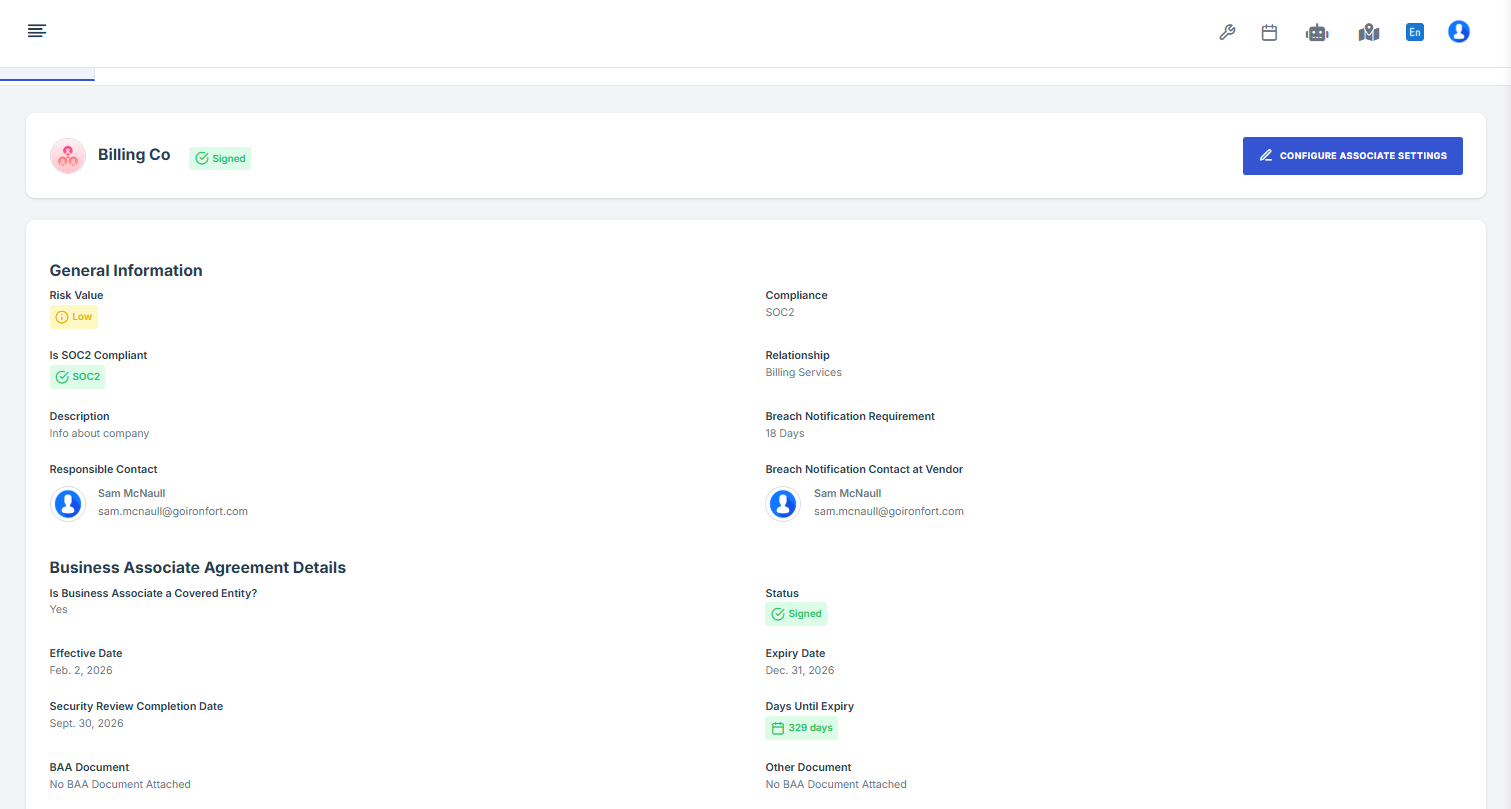
Key Capabilities: - Vendor inventory with contact information - BAA execution status tracking - Contract expiration alerts - Vendor risk assessment - Breach notification coordination - SOC 2 compliance verification
Evaluation Profiles
Choose the right level of HIPAA assessment for your organization.
HIPAA Lite: - Essential requirements only - Best for: Small practices (1-50 employees) - Simple operations - Faster implementation
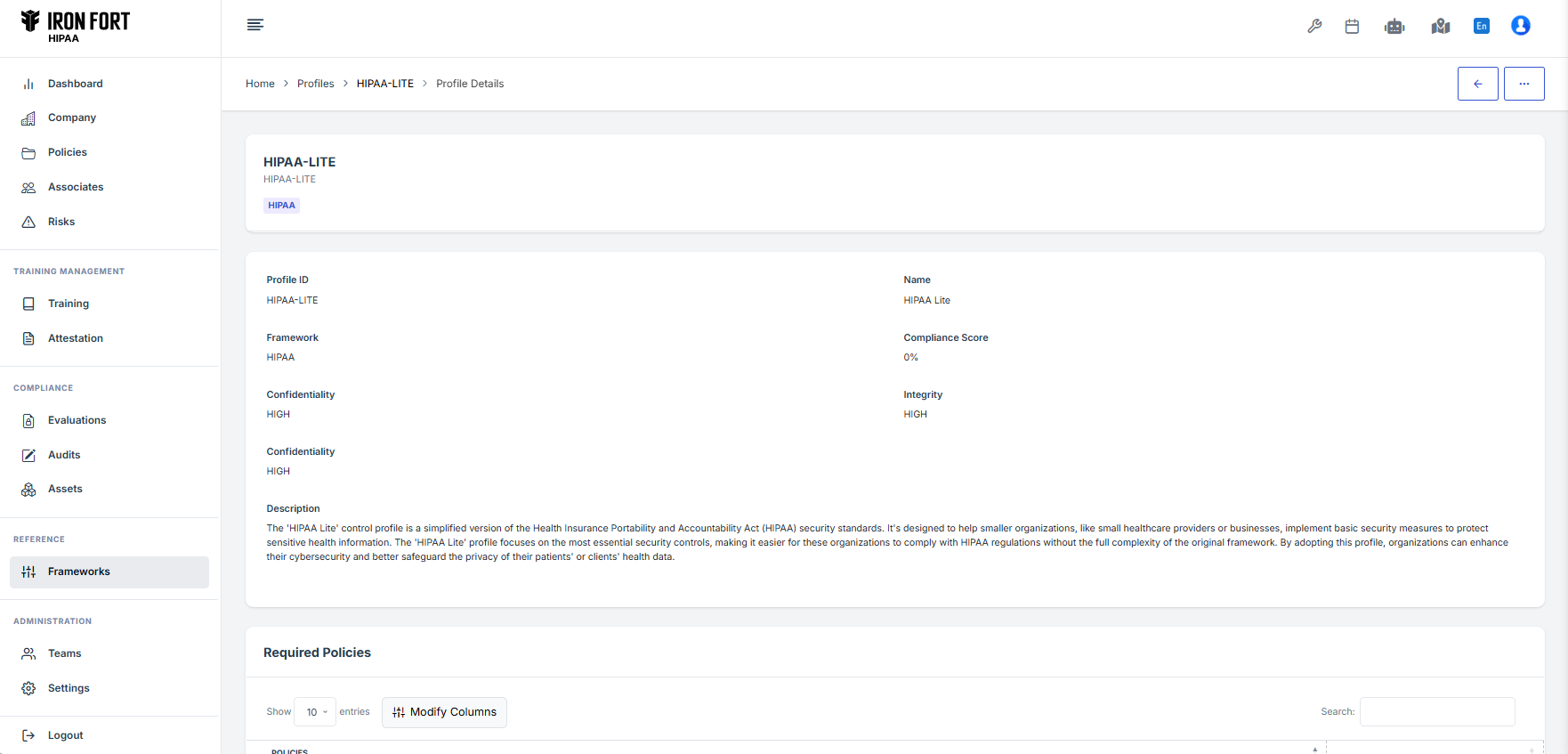
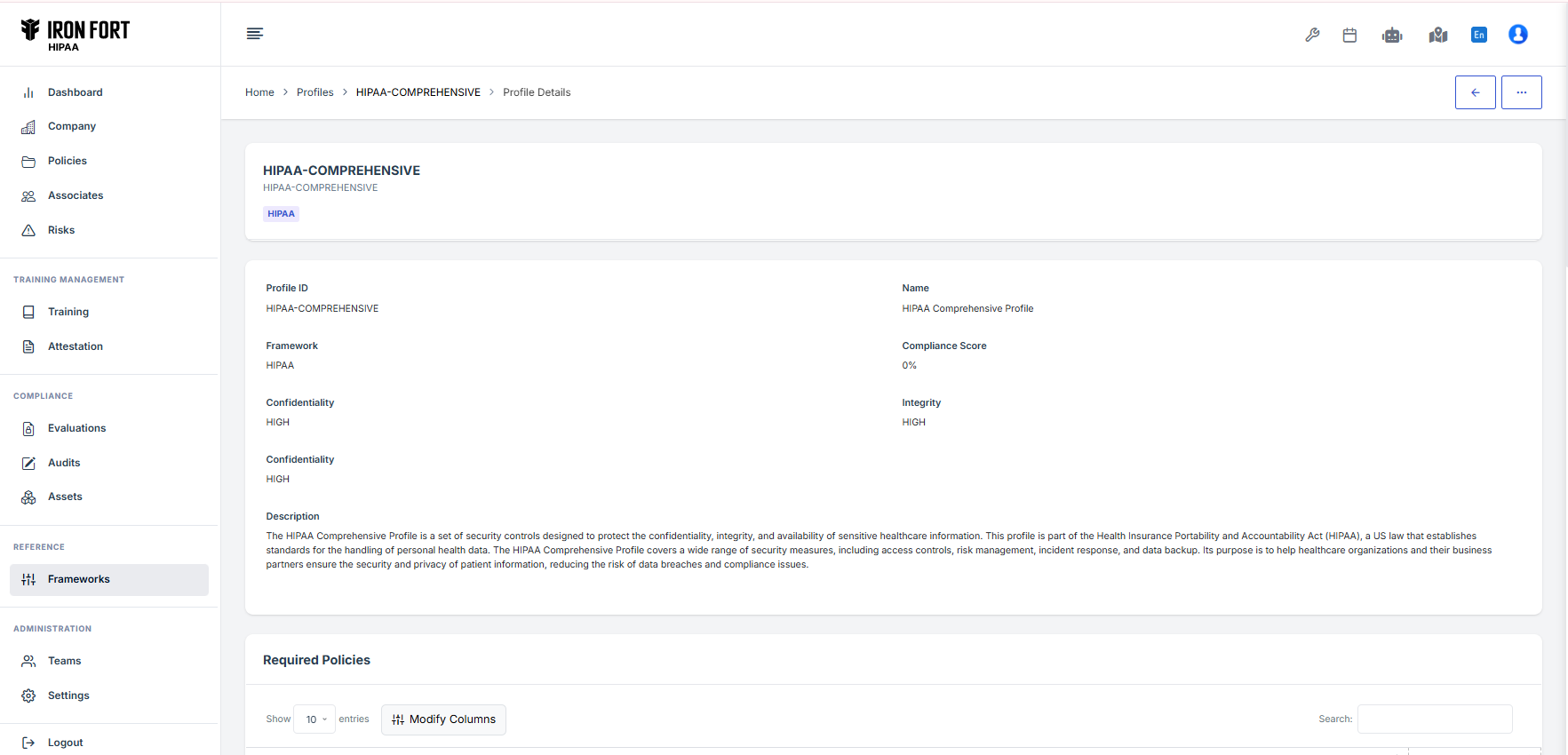
HIPAA Comprehensive: - Complete HIPAA coverage - Best for: Covered entities, larger practices (50+ employees) - Full audit preparation - All required and addressable specifications
Automatic Policy Verification
When you create an evaluation, Iron Fort automatically: - Identifies all required policies based on your profile - Links uploaded policies to requirements they cover - Shows which policies are missing - Updates status as you upload new policies
No manual matching. No spreadsheets.
Status Indicators: - ✅ Green = Policy present and adequate - ⚠️ Orange = Policy needs review - ❌ Red = Policy missing